
I Optimized X Posts for Engagement, and the Follower Data Lived Somewhere Else

For most of last year I was optimizing my X posts for engagement metrics and assuming the engagement was the audience-growth lever. Across the same period, my follower count grew slowly and unevenly, and the slowness did not line up with my best-performing tweets. The disconnect bothered me enough to dig in. What I found was that engagement and follower conversion are different metrics with different drivers, and the platform's per-post analytics are blind to roughly half of what actually drives follower growth.
The cross-reference between per-post engagement and daily follower-count changes was the missing layer. Once I started running that cross-reference monthly, the follower-driving posts became identifiable, and the content strategy shifted accordingly.
Why does engagement data alone fail to identify follower-driving posts?
Because engagement comes from existing followers as often as it comes from new ones. A high-engagement post that earns likes from your current audience without producing a single profile click is invisible to the follower-growth question. The cross-reference that runs through official X Enterprise APIs layers per-post profile clicks against daily follower changes, which is the data the engagement-only read keeps missing.
→ Find the X posts that brought you new followers
The Practitioner Frame I Had to Unlearn
The unlearning was uncomfortable. I had spent the year publishing for engagement metrics because the platform surfaces those metrics most aggressively in its native analytics. Impressions, likes, replies, and reposts are easy to read, and the dashboard makes them feel like the answer.
The framing turned out to be wrong on one critical axis. Engagement reads how existing followers responded to the post. Follower conversion reads how non-followers responded to the post, which is a different audience reading the same content. The metrics that read both audiences (profile clicks, follow rate, daily follower changes) live on a different dashboard than the engagement metrics.
Circleboom's piece on how to track someone else's number of new followers on Twitter covers the snapshot-based follower-tracking pattern that I started applying to my own account first. Once the follower-growth data was sitting in a dashboard next to the per-post engagement data, the cross-reference patterns became obvious.
The Concrete Case That Made Me Switch
The push was a single post. I had published a thread on a niche industry topic in late November that earned modest engagement (a few thousand impressions, low likes, three replies). I almost dismissed it as a forgettable post.
When I ran the cross-reference at month-end, the follower-growth dashboard showed a clear spike on the day after that thread went live, the largest daily gain of the month. The thread's profile-click rate was the highest of any post that month, and the follower count had moved measurably as a result. The post that read forgettable on the engagement dashboard was the highest-converting post of the month on the audience-growth dashboard.
The lesson was that the engagement-only read had been mis-prioritizing my content strategy for months. The follower-driving posts were not the high-engagement ones, and the cross-reference was the only way to surface the difference. Circleboom's piece on how to check someone's new followers on X covers the broader follower-tracking workflow that the per-account version of the cross-reference plugs into.
How the Cross-Reference Actually Runs Now
Connect the X account to Circleboom
- Log in to Circleboom Twitter and authorize the account with the official OAuth flow.

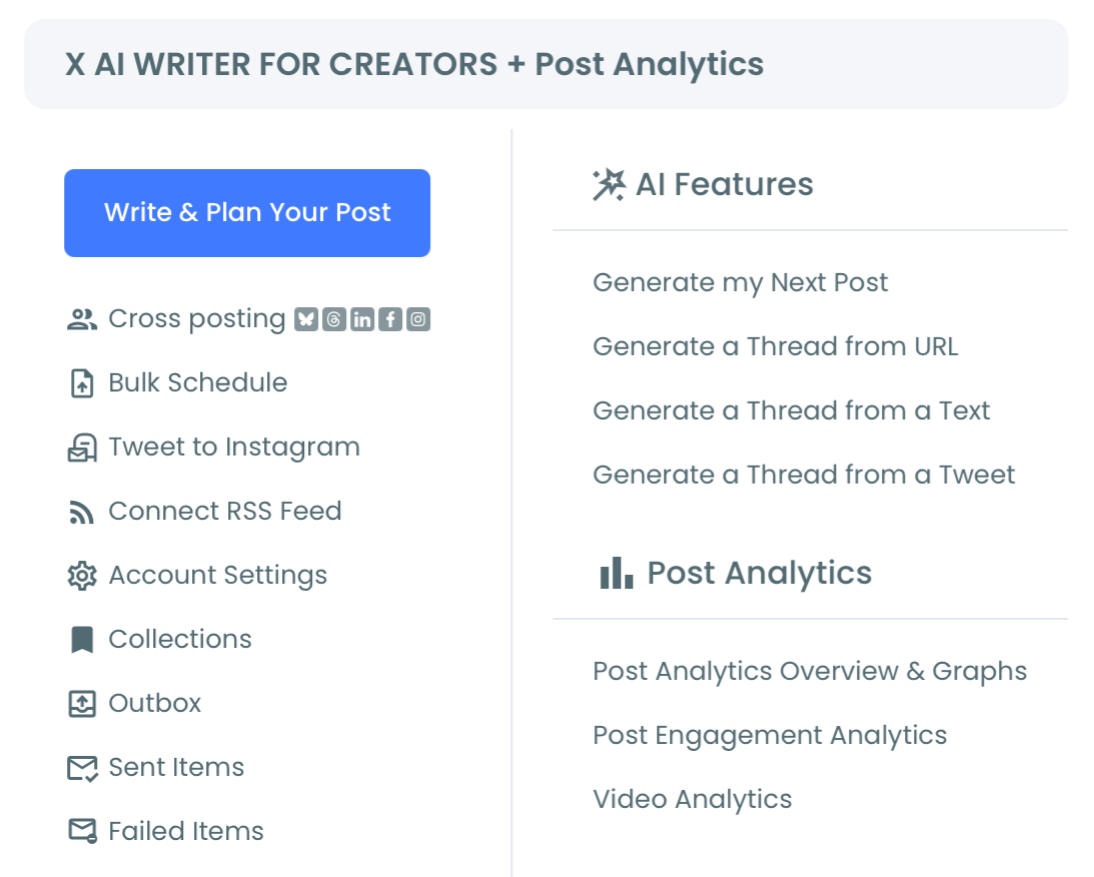
Open the X Post Planner menu and load Engagement Analytics
- Open the X Post Planner menu and load Engagement Analytics to surface the per-post performance table. The table sorts by profile clicks, which is the leading indicator of follower conversion.
Sort by profile clicks and shortlist the candidate posts
- Sort the per-post table by profile clicks descending and shortlist the top 10 to 15 posts from the period you are analyzing. The profile-click metric is the action that precedes a follow, so the top posts on this metric are the candidates for follower-driving status.
Cross-reference with the Followers' Growth dashboard
- Open the Followers' Growth dashboard in a separate view and compare the candidate posts' publish dates against daily follower-count changes. Posts that line up with visible follower-count spikes are confirmed follower-driving posts. The full follower-growth surface lives at the follower growth landing.
That four-step sequence is what made the workflow sustainable. The OAuth login earns sanctioned API access. The X Post Planner menu loads the post-analytics surface. The profile-click sort filters the candidate set, and the follower-growth cross-reference confirms which candidates actually moved the audience count.
Video walkthrough: the follower-tracking dashboard that confirms which posts moved the follower count.
https://www.youtube.com/watch?v=gZyRQQKLwq4
What the Cross-Reference Pays Back
The first payback is the content-strategy correction. The engagement-only read had been pushing me toward high-impression posts that performed well with my current audience but did not convert non-followers. The cross-reference shifted my attention to high-profile-click posts that produced visible follower growth, and the topic and format pattern across those posts gave me a content template to repeat.
The second payback is the negative read. Posts that earn high engagement but produce no follower growth are still useful for current-audience retention, but they are not audience-builders. Knowing the difference let me sort my content time more intentionally between retention posts and acquisition posts.
The third payback is the pattern detection across topic clusters. Several posts on the same topic in the same week sometimes produce a cumulative follower lift that no single post would explain. The cluster effect is one of the strongest signals about what your audience actually wants, and the cross-reference is what surfaces it.
The compliance side matters at any noticeable analytics cadence. The Circleboom workflow uses official X Enterprise Developer access for both the post analytics and the follower-growth data. The system stays within X's published platform limits throughout. Compliant access matters because the cross-reference needs both data layers to be accurate to surface real patterns.
For adjacent surfaces I have started using, the user-analytics overview covers the broader user-side analytics that pair with the post-side analytics. The check new followers on Twitter landing covers the per-follower view that complements the daily aggregate read.
External context that helped frame the audience-growth math: DataReportal's global digital reports cover the platform-level engagement and growth trends that frame what realistic follower-conversion rates look like across audience sizes.
Find the X posts that brought you new followers is the cross-reference workflow that turned my content strategy from engagement-chasing into audience-building.
Related Circleboom reading on the engagement-and-followers theme:
- Twitter doesn't show new follower notifications on the platform-level visibility gap that the dashboard fixes.
- How to increase Twitter post impressions on the upstream impressions-and-reach question that pairs with the conversion read.
Still Wondering?
Does the cross-reference work for accounts that publish only a few posts per week?
Yes, and it often works better for low-volume accounts because each post is easier to attribute. With only three or four posts per week, the follower-count changes line up cleanly against individual publish dates, and the cross-reference becomes near-deterministic.
How do I read a follower-growth spike that does not match any obvious high-profile-click post?
That pattern usually means the spike was driven by something external (cross-platform shoutout, news coverage, a follow from a high-profile account that produced cascade follows). Open the new-follower list for that date and look at the cluster's profile data to find the trigger.
What if my profile clicks are high across many posts but the follower count is flat?
That pattern usually points to a profile-page issue (bio that does not convert, pinned tweet that does not match the topic that drove the click, profile image or banner that signals something different from the content). The cross-reference surfaces the disconnect, and the fix is on the profile page rather than the posts.
Should I run the cross-reference manually or use the dashboard's built-in views?
The dashboard's per-post engagement table and Followers' Growth chart sit side by side, so the cross-reference is a visual read rather than a manual export-and-merge. Most operators do the read inside the dashboard on a monthly cadence.
Does the cross-reference work the same for video posts and image posts?
Mostly yes, with one caveat. Video posts often produce profile clicks on a longer lag (sometimes 48 to 72 hours) because video watchers come back to the profile after the watch session ends. Image and text posts produce profile clicks within 24 hours typically.
What the Next Quarter Could Look Like
The version of an X workflow that runs on the engagement-and-follower-growth cross-reference produces something the engagement-only workflow cannot. The follower-driving posts get identified clearly. The retention posts get sorted into their own category. The cluster patterns surface ahead of intuition.
Six months from now, the content strategy is running on the cross-reference signal, the follower-growth chart is moving on the topics that actually convert, and the engagement metrics have become one input among several rather than the whole story. The cross-reference workflow is the structural change that produces all three. The unlock is reading the data layer the platform's native analytics keeps hiding.