
How to unlock a Twitter account without a phone number, and when X won't allow it
Unlock a Twitter account without a phone number: select Start, then Send email if X offers it. If not, contact X support.

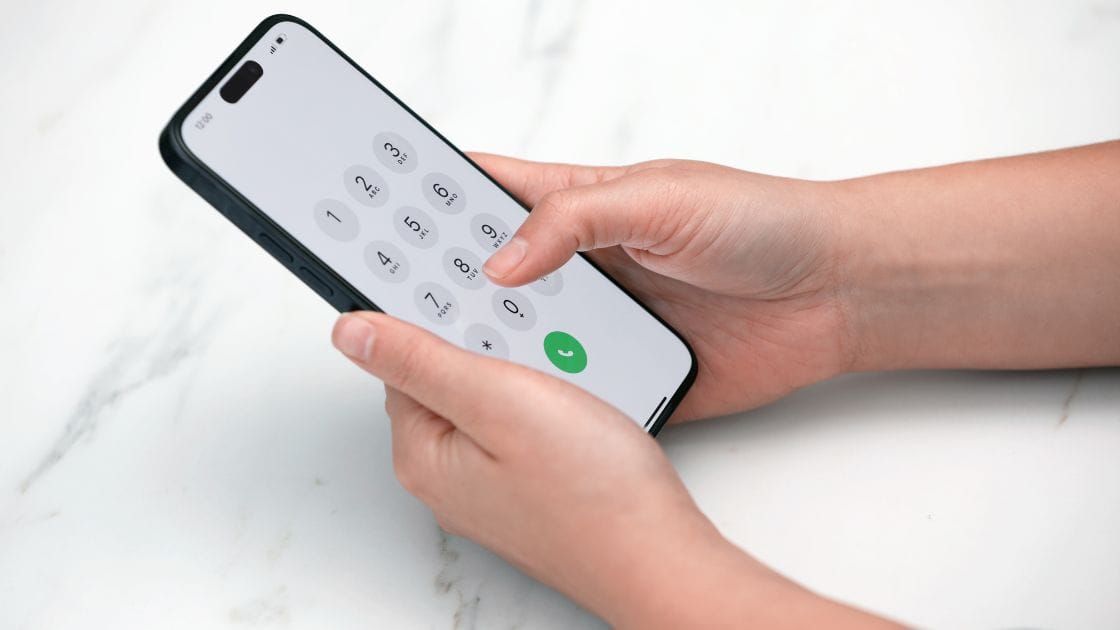
The lock screen wants a phone number, and you don't have one to give. On X, the platform formerly called Twitter, whether you can skip the phone depends on which verification the lock message offers.
Short answer: to unlock a Twitter account without a phone number, select Start on the lock message and use the email route where X offers it: select Send email, enter the code from your inbox and select Verify. The catch: X picks the method from the message you see and documents no way for you to switch from phone to email. If no route works, it says to contact support, and that sometimes the only option is a new account.
Below: the email steps, the captcha route, and what X does and doesn't promise when only the phone method appears.
How to unlock a Twitter account without a phone number
To unlock a Twitter account without a phone number, you use the email verification that X documents alongside the phone one. X's help page on locked and limited accounts lists the steps.
They fall into two short phases.
Open the lock message
- Log in to your account.
- Look for the message letting you know to verify your account.
- Select Start.
Verify through your inbox
- Select Send email on the next screen.
- Check your inbox for an email from X containing a verification code.
- Enter the code and select Verify to unlock the account.
No phone is involved at any point in this route. The only requirement is that you can open the email address already on the account.
If your screen never shows Send email, the next section explains why.
X chooses the verification method, not you
X documents three ways to verify: by phone, by email and by captcha. Which one you get depends, in X's words, on the verification message you see.
That is the key limit for anyone without a phone. X's help page describes each method as its own flow. It does not describe a button or setting that lets you move from one to another.
So the first task is to read your message closely.
Wording about verifying your account leads to the email or captcha routes. Wording that the account has been locked leads to the phone route.
Knowing which you have tells you whether the steps above apply or whether you need the later sections.
The captcha route on X needs neither phone nor email
Some locks ask for no contact detail at all. In the captcha method, X runs a check in the background after you select Start.
X says you will see a pinwheel or wait cursor while it completes, and that you do not need to do anything.
Once X has confirmed you are not a robot, you select Continue to X and the account unlocks.
If this is the route your message leads to, the missing phone number never becomes an issue. Let the check finish without refreshing the page.
What the first button on the Twitter lock screen says
The first button is Start. It is often described as Verify, which sends people looking for a button that isn't there yet.
In X's steps, Verify comes at the end of the email method, after you have entered the code.
X does document Verify as a first button in one place, and that is for limited accounts, which are a different state from locked ones.
The distinction helps when you follow instructions from elsewhere. If a set of steps opens with a Verify button on a lock screen, it doesn't match X's help page.
When the email code from X doesn't show up
Wait a few minutes before you worry. X says the code may take a few minutes to arrive.
If it still isn't there, X's advice is to check your spam, junk and social folders.
Search the inbox for X by sender name as well. Mail filters sometimes file its messages where you wouldn't look.
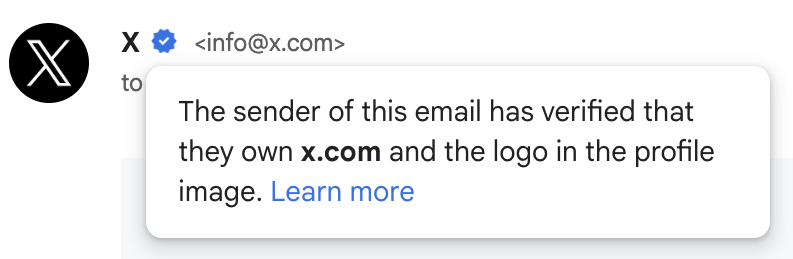
Avoid requesting the email many times in a row. It leaves you with several codes and no easy way to tell which is the latest.
What the phone step on X really asks for
The phone method's instruction is short: enter your phone number. X adds a note that it will associate this phone number with your account.
X does not describe the step as limited to a number that was already on file. The code then arrives by text message or by phone call.
Two consequences follow. A number you enter becomes linked to the account in X's records, so it should be one that is yours and that you will keep.
X also says one phone number can be associated with up to 10 X accounts. A number you already use on another account is therefore not automatically ruled out.
A voice call instead of a text on Twitter
Sometimes the problem is the text message, not the phone. X covers that.
Its phone method says you will be sent a text message, or you will receive a phone call, with the verification code.
X's page on adding a phone number goes a step further. In some situations, it says, you may be able to request a voice call to verify your number.
If you have a line that can take calls but can't receive texts, look for that option on the verification screen. X doesn't say when it appears, so it may not be offered in every case.
If X only offers the phone method
This is the hard case, and X's documentation is thin on it. There is no documented way to change the method yourself.
What X says is this. If you have lost access to the email or phone number associated with your account, contact its support team.
It follows that sentence with a warning: sometimes the only option in this situation is to create a new account.
X does not promise that support will switch your verification to email.
You may read that it will. That claim isn't on X's pages, so treat it as a possibility you can ask for and not as a procedure you can count on.
Where the appeal form sits in X's help pages
If you believe the lock is a mistake, the route is an appeal. X says that if you feel your account has been locked in error, you can appeal by contacting its support team.
The form is titled "Appeal a locked or suspended account". On X's forms index, it sits under the topic "Locked and suspended account issues".
X's instructions for filing give the order:
- Log in to the affected account first.
- Open a new browser tab.
- File the appeal from that tab.
Use the help.x.com address. Some older links still carry the former name, but that is the current host.
What to write when you contact X about a phone lock
Keep the message short and factual. These points help a reviewer understand the request:
- the username of the locked account
- the email address on the account, and that you can receive mail there
- the exact wording of the lock message
- a plain statement that you cannot receive a text or call
Send it from the email address tied to the account where you can.
This is practical advice, not X's checklist. X does not publish what its reviewers look for, and it gives no response time.
How X uses a phone number entered in a support form
X's support forms may ask for a phone number too. Its documentation explains what happens to it.
Verifying the phone number you entered in the form helps confirm your ownership of the account. If that number was previously associated with the account, X says it will review the request and may re-add the number.
Two notes come with this. X says standard SMS fees may apply.
It also says that when a number is re-associated, certain account settings revert to their default, including discoverability by phone number. Review your privacy settings afterward if that matters to you.
No phone and no email on the Twitter account either
With both gone, X's options run out quickly. Its page on email address access says that without the email or a verified mobile number, it is unable to continue troubleshooting.
It adds that it cannot deactivate the account or free the username for you, and that you can sign up for a new account.
Before accepting that, try the one remaining lever. X suggests contacting your email service provider to try to regain access to the inbox.
Recovering the inbox gives you back a contact detail X can verify. It is usually the more realistic of the two to regain.
Limited accounts on X follow different rules
A limited account is not a locked one, and the phone plays a different part.
When X limits features for suspicious activity, it offers verification by phone or email as an alternative to waiting.
X says repeat offenders may not be presented with the option to verify by phone. They can then only use X in a limited state for the time listed.
For limits tied to a rule violation, the actions X requires before the countdown may include adding a phone number to the account.
If your notice talks about limited features, you are in this group. Waiting out the stated time is a documented route that needs no phone.
Two-factor authentication without your phone is a separate problem
A lock and a two-factor prompt can look alike, and they are solved differently. If the screen asks for a login code, that is two-factor authentication.
X's page on help with two-factor authentication gives the route when the phone is gone. Use a backup code.
If you are still logged in on X.com, text message two-factor can be removed from the mobile settings with an option labeled "Delete my phone".
Without a backup code or an active session, X's direction is to contact its support team.
What a locked Twitter account can still do
A lock doesn't remove every option while you wait for help. X's help page links forms that a locked account can use.
One lets you request deactivation. Another lets you request a copy of your data.
These matter if the account can't be recovered. You can still ask for your information before deciding what to do next.
Neither form unlocks the account. They are there so a lock doesn't also cut you off from your own records.
Why X asks for a phone number or email at all
X gives two reasons. When you sign up or try to log in, it asks for an email, a phone number or both because that information helps it identify you as the account owner.
The second reason concerns everyone else. Verifying a phone number and email, X says, helps reduce potentially automated or scripted activity on the platform.
It ends with advice aimed at exactly this situation. Keep the information updated, because you will need it to restore access if the account becomes locked or limited.
Objections to X's phone verification, answered
"I don't want X to have my number." Then use the email or captcha route when X offers one. When it offers only the phone, that is X's requirement and not a setting.
"Support will move me to email if I ask." They might. X doesn't say so, and planning around it sets you up for a long wait.
"I'll start over with a new account." X itself names that as the last resort when contact details are lost. Note that it won't free the old username.
"There must be a trick." There isn't a documented one, and X's own routes are the only ones that end with your account back.
To unlock a Twitter account without a phone number, log in now and check whether Send email appears after Start. That single screen decides which path you are on.
Still wondering about unlocking without a phone?
Does the email code on X expire?
X doesn't state a validity time for the unlock code. It says only that the code may take a few minutes to arrive, so enter it soon after it lands.
Can I unlock my Twitter account from the app?
Yes. X says the lock message appears when you log in or open your app, so the flow starts in either place.
Will X remove a phone number I no longer use?
X doesn't describe a removal request for locked accounts. Once you are back in, you can update the contact details on the account yourself.